Home / Products / Wheatstone Navigator-5 System Configuration Software
Wheatstone Navigator-5 System Configuration Software
WST-Navigator-5
Meet Navigator
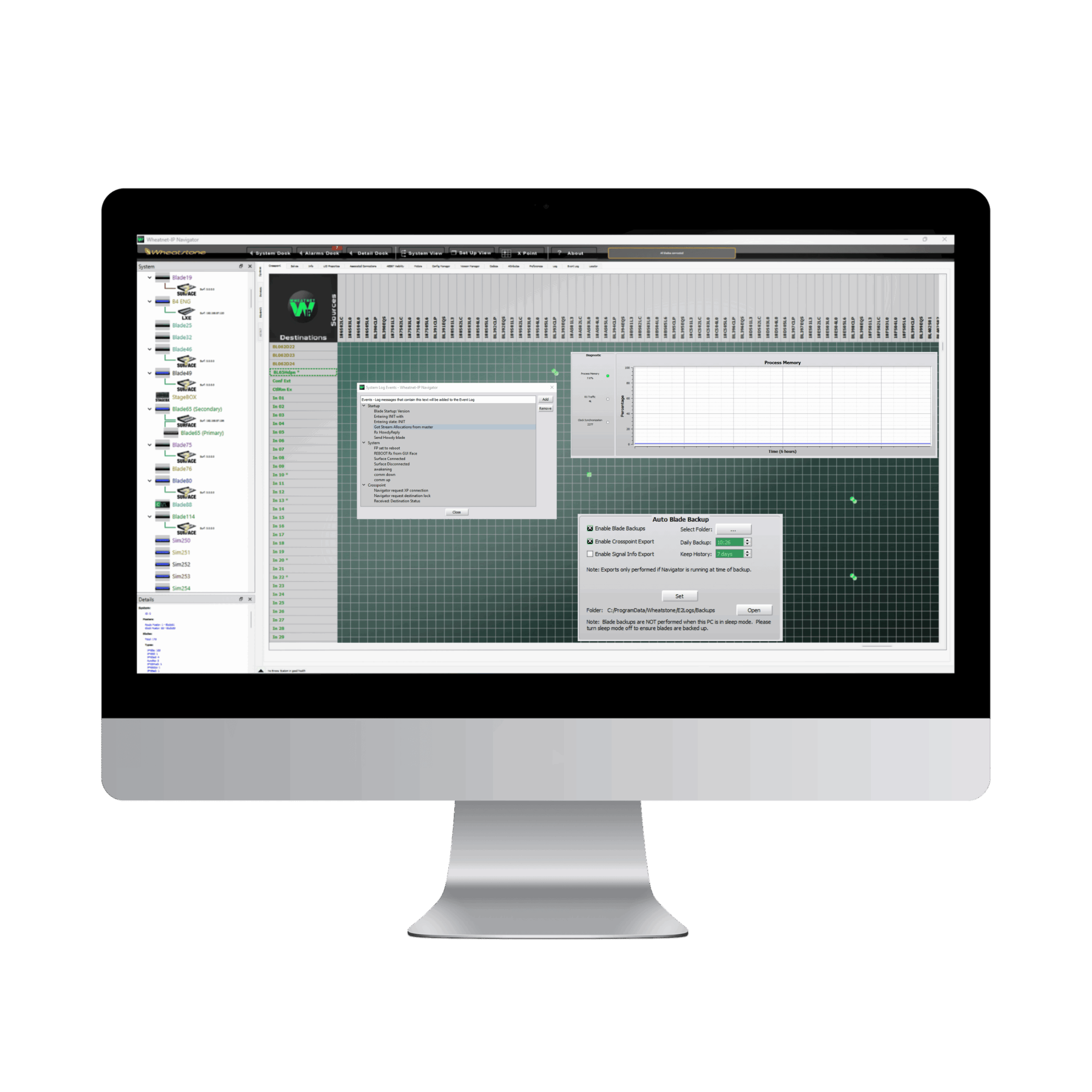
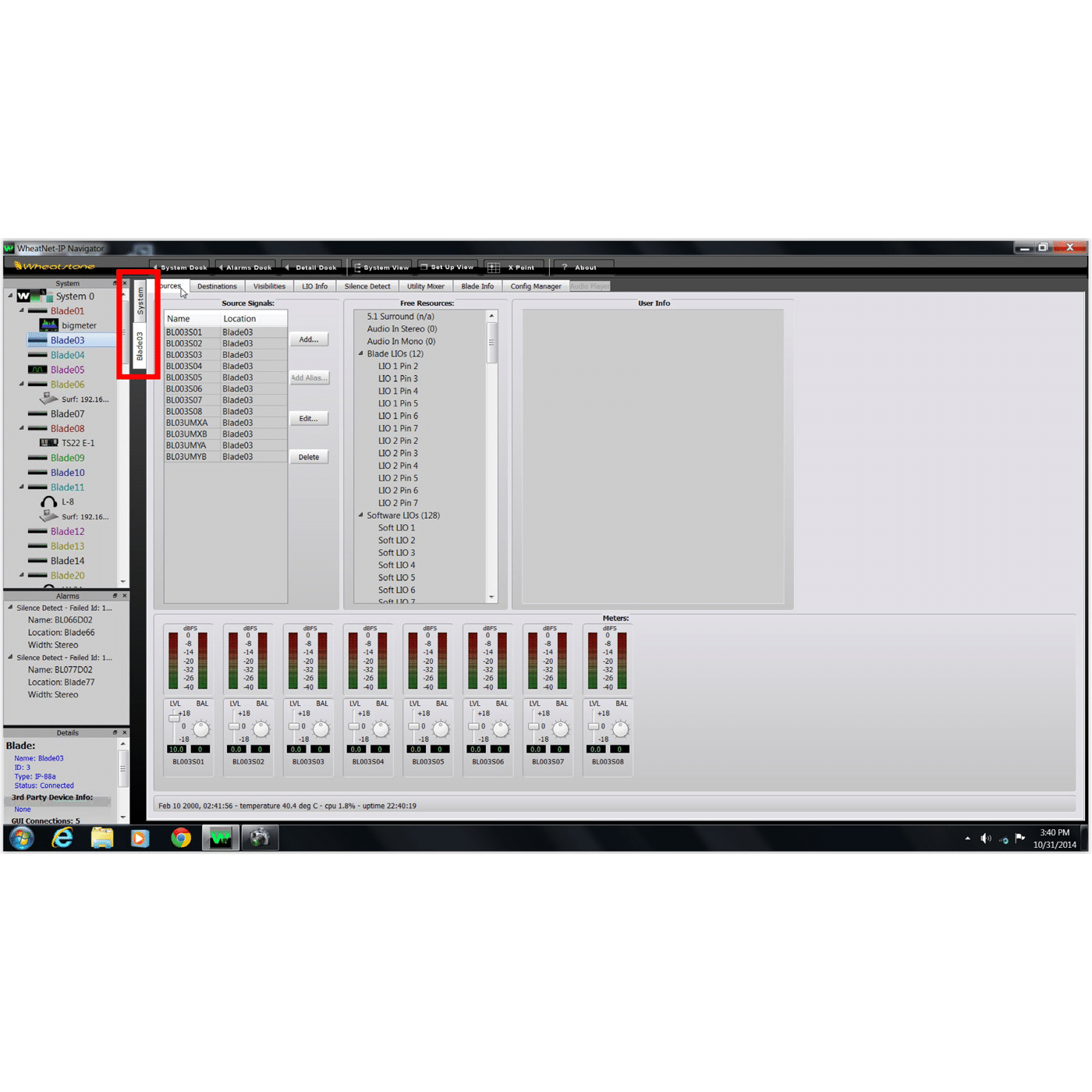
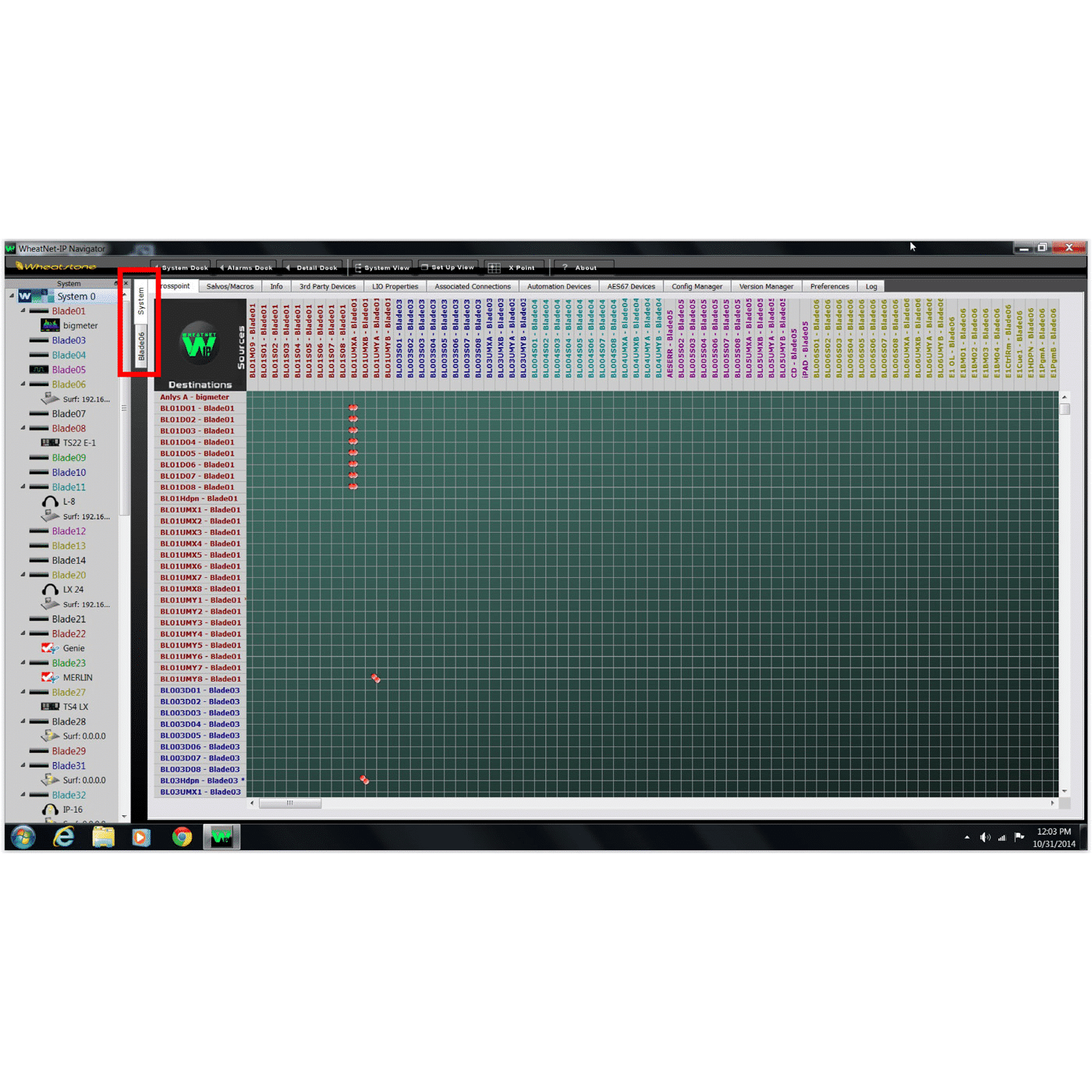
Navigator is the control centre for the WheatNet IP audio network. Through Navigator, you can make audio connections, set up logic signals and connect both physical and virtual LIO inputs to outputs. You can fire salvos, set up AES67 signals, set associated connections, view meters, update Blades and more. While these system functions can be accomplished via the front panel on any I/O Blade, Navigator provides a convenient and centralized interface for configuring, controlling, and monitoring elements and software network-wide.
Comprehensive System Control: Simplifies the setup of audio sources and destinations as well as managing audio paths, salvos, and macros throughout the network.
Easy Crosspoint Navigation: Connect audio sources, destinations, and logic easily, including associated connections. View signal signal types and logic combinations throughout the network.
Multi-location Control: Navigator supports running multiple instances of the software, enabling simultaneous control from multiple locations.
Advanced Failover Management: Includes features like silence detection and failover contingencies, ensuring seamless audio delivery even during emergencies.
User Personalization: Offers the flexibility to personalize the system setup for specific events, shows, or individual personalities, ensuring a tailored audio experience.
One Interface, Multiple System Options: Navigator provides one interface for backing up system configurations, setting up AES67 parameters, configuring Blades, and managing time and clock sources.
Integration and Expandability: Supports third-party device interfaces and SNMP management and alerting.
Windows® PC Compatibility: Fully compatible with Windows PCs, providing a familiar and user-friendly graphical interface.